
Nara Baby vs Nubo: Free Tracking and Easy Import
If you are looking for a free Nara Baby alternative, Nubo now has a Nara import that takes less than five seconds. Your decision can be about how you want to track from here, not whether you have to start over.
The short answer: which app fits your family?
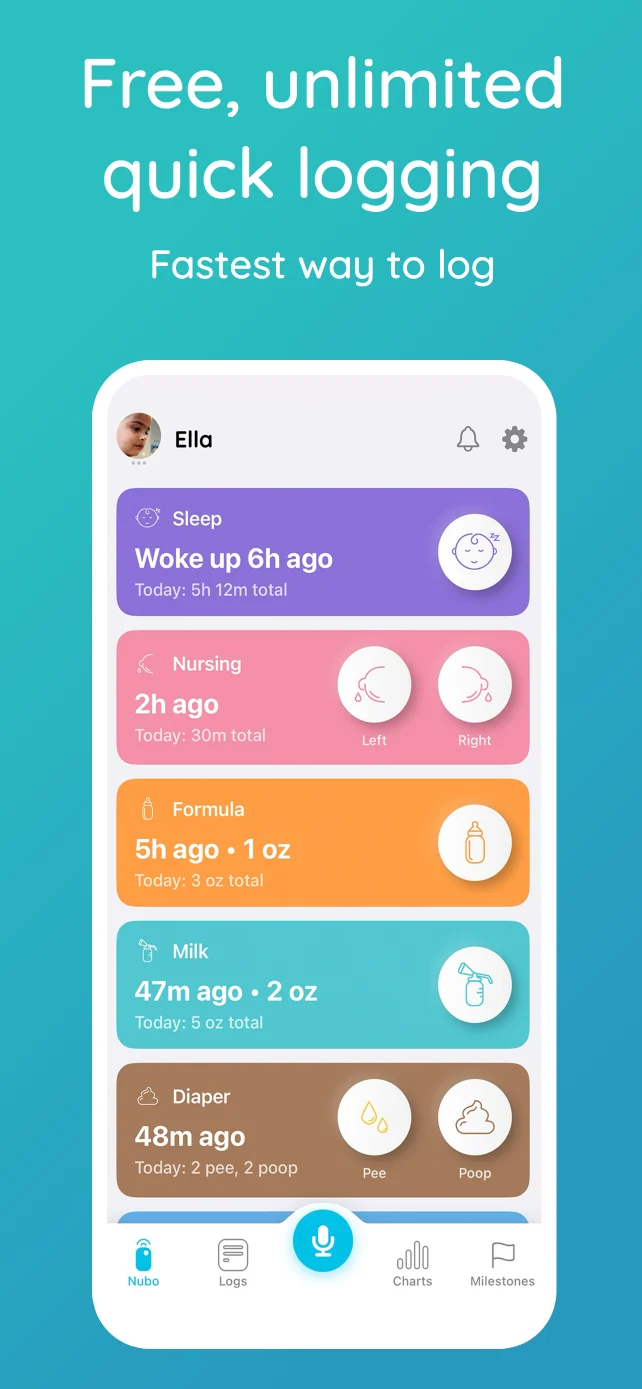
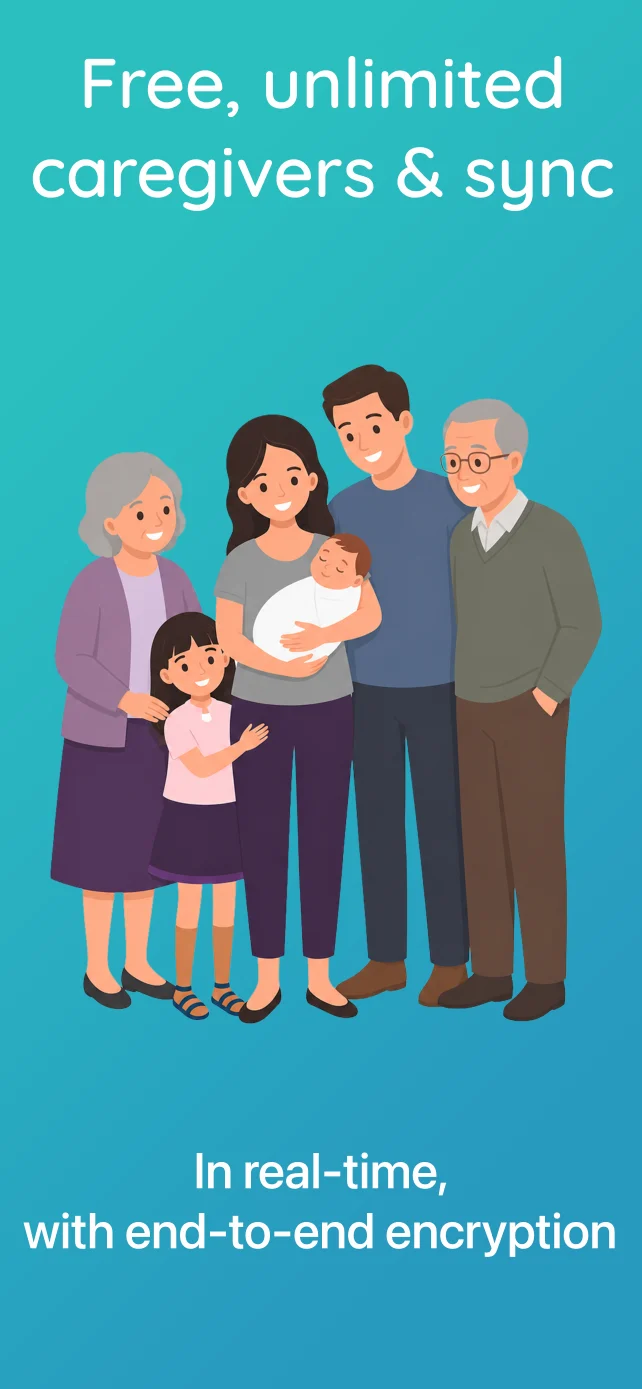
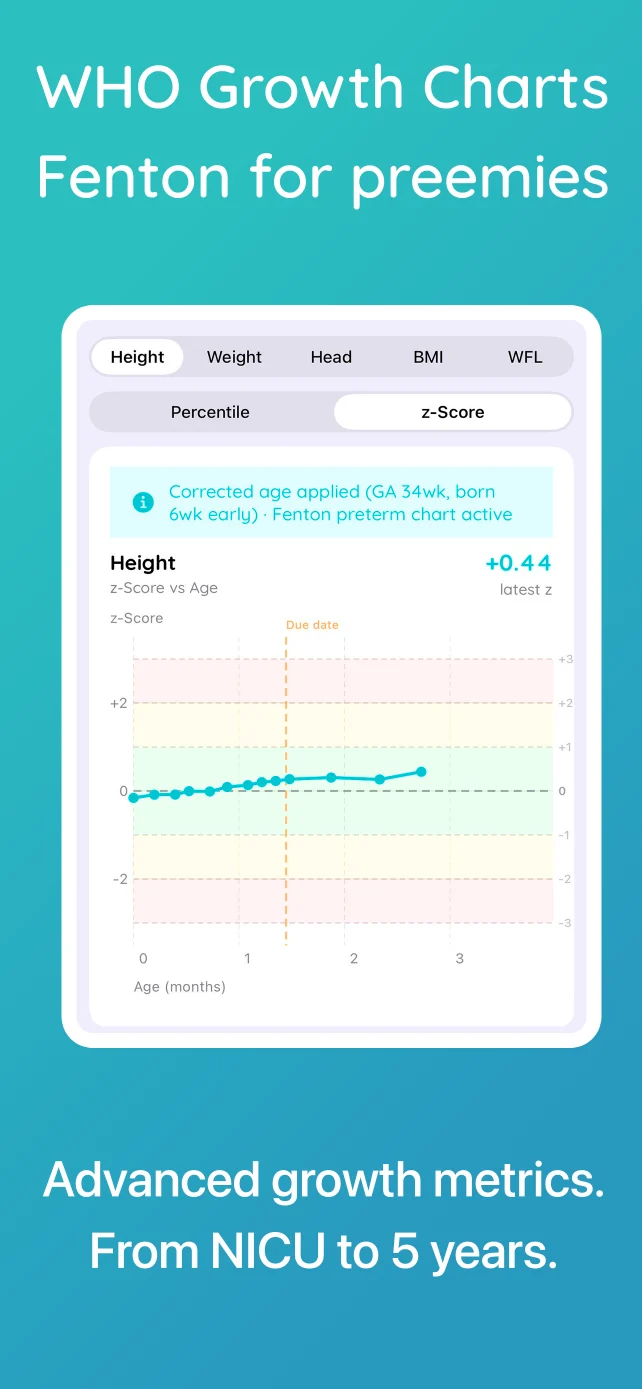
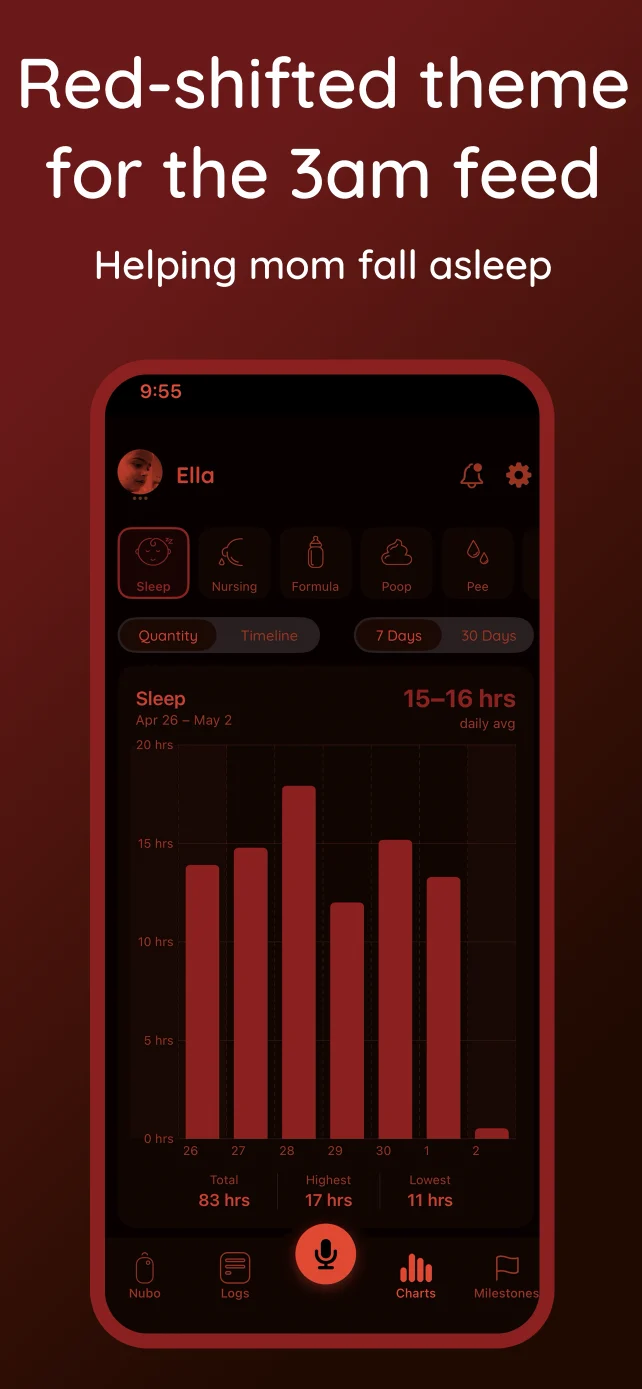
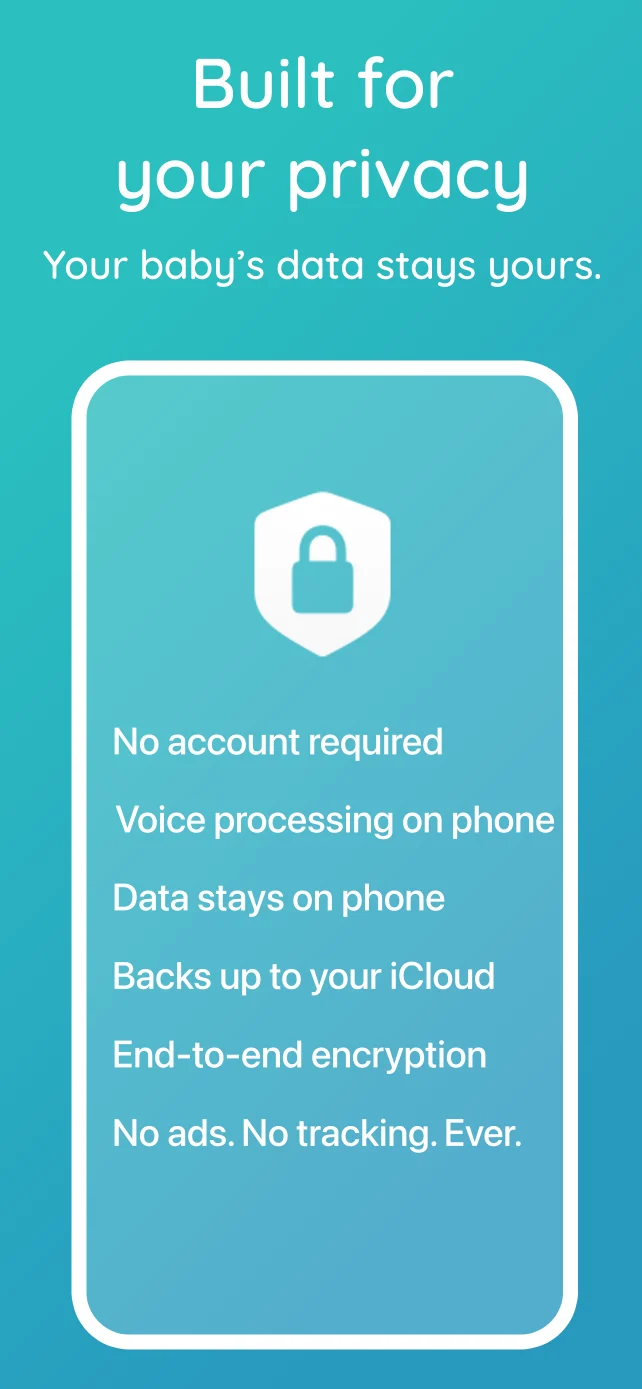
- Choose Nubo Free if you mostly track feeds, sleep, diapers, medicine, growth, and notes with a partner or other caregivers. The shared timeline works across iPhone and Android, with unlimited caregivers and no deadline on core tracking.
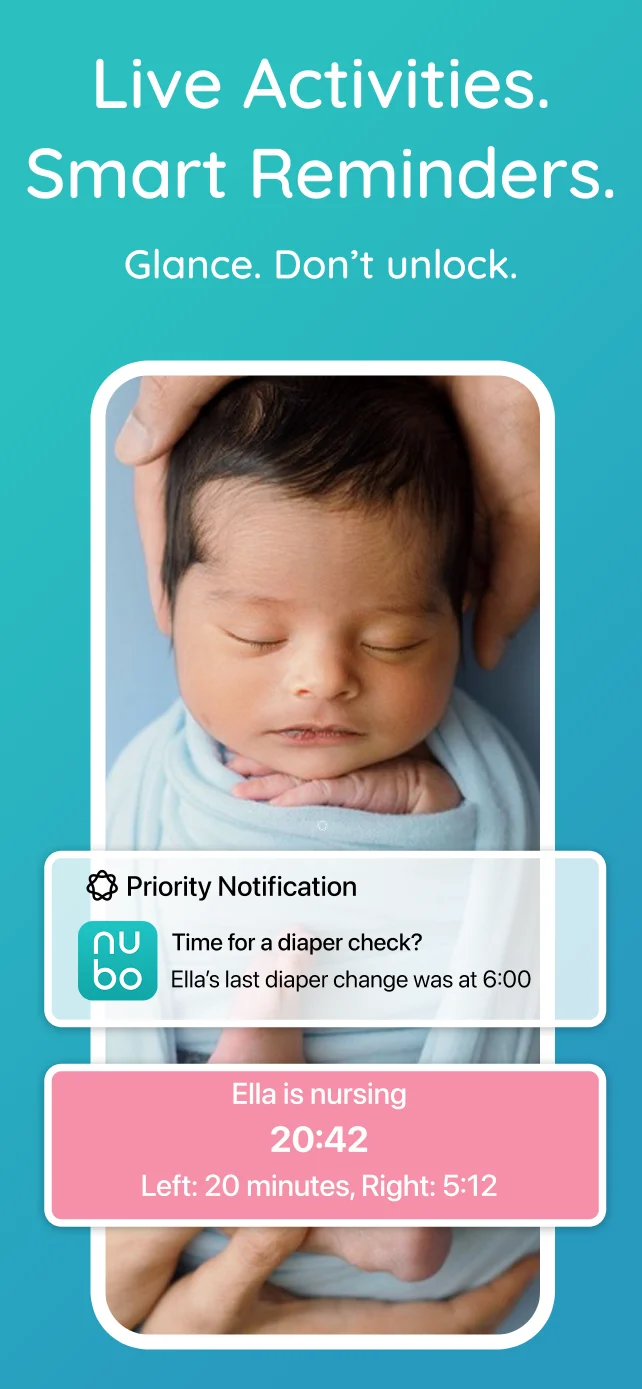
- Choose Nubo Plus if you also need a private pumping and milk-output tracker, automatic reminders, CSV exports, or iPhone Live Activities. Plus is an optional app upgrade at $39.99 per year.
- Keep Nara if you rely on its Apple Watch app, Siri commands, pregnancy and postpartum tracking, or wake-window nap reminders. Those are real reasons to stay with an app that already works for you.
Nara has its own strengths: unlimited caregivers, pumping, trends, reminders, and data export are included in its paid plans. Its current plans and feature details list a seven-day trial, then $9.99 per month or $99.99 for lifetime access. Nubo’s everyday shared tracking stays free; you can compare Nubo Free and Plus pricing before deciding whether you need an upgrade.
Bring your Nara history into Nubo
Nara lets you export a child’s data as a CSV file. Save that file, then use Nubo’s Nara import. The import itself takes less than five seconds. Exporting the file from Nara is a separate step.
That means you can open Nubo with your existing history and try a normal day: one parent logs a bottle, another logs a diaper, and both can check the same timeline. If that is the routine you need, the free app may be enough. There is no need to buy the Nubo device to use the app.
What changes after the switch?
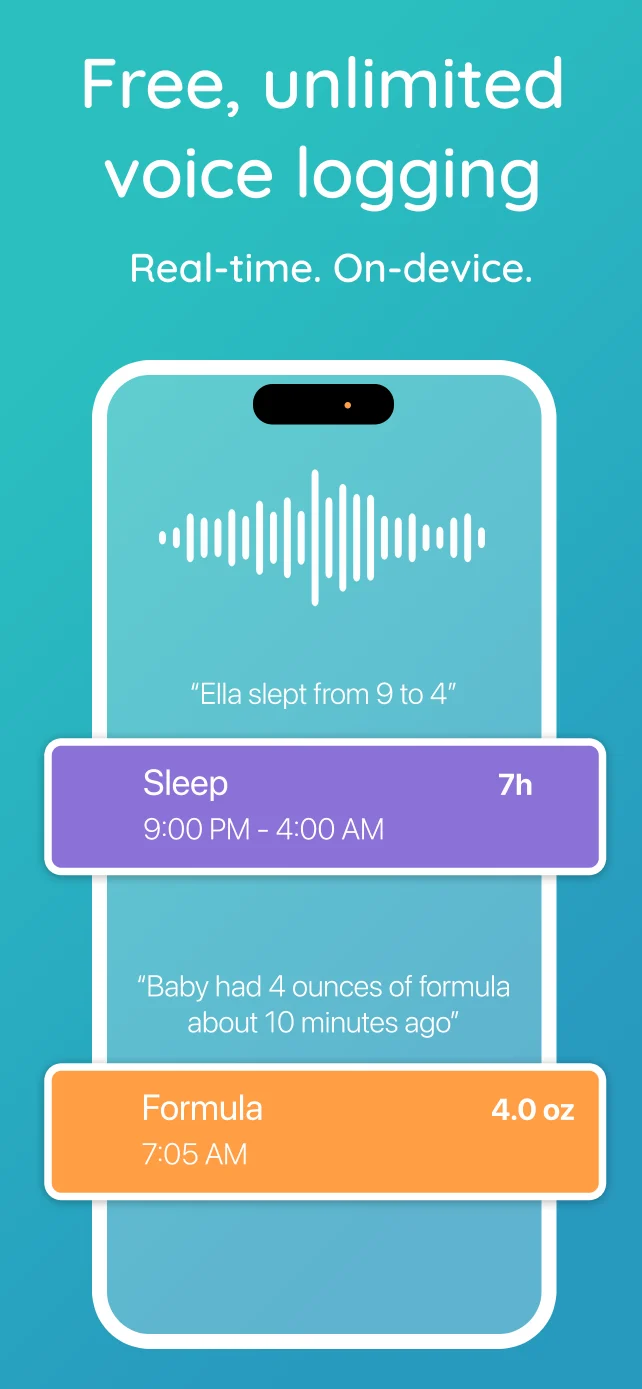
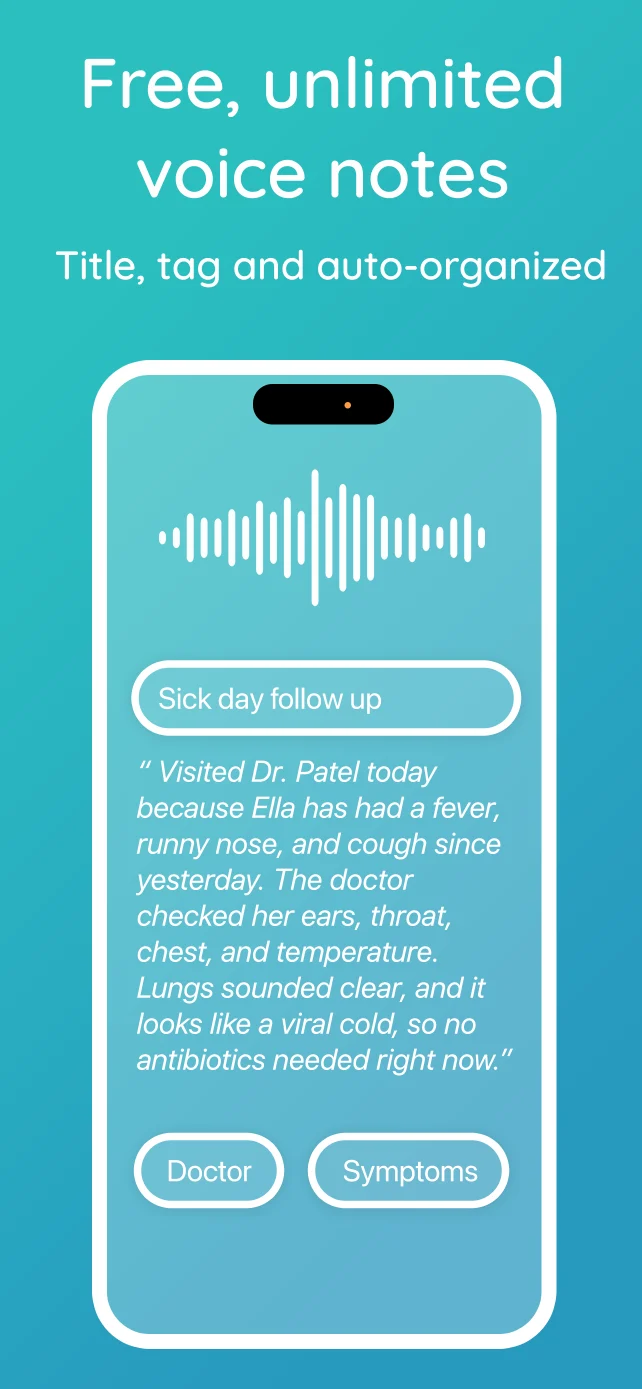
When someone remembers a feed after putting the baby down, Nubo’s free in-app voice catch-up can add it without hunting through entry screens. It works on the phone even when you are offline. Quick logs cover the moments when a tap is easier. If you later want to log without opening a phone, the optional one-tap Nubo device feeds the same timeline. Nubo Plus also offers Alexa logging for households that use it.
An overnight sleep log on the same Android phone
If you remember an overnight sleep session the next morning, the entry steps matter. This side-by-side recording compares Nara’s manual entry with Nubo’s free in-app voice catch-up on the same Android phone.
If you pump, compare the kind of record you need. A bottle of expressed milk that your baby drinks belongs in Nubo’s free shared feed log. Your own pumping session and milk output use the private pumping tracker in Nubo Plus. Nara includes pumping in its paid plan, so Nubo Free alone is not the same setup for a parent tracking both intake and output.
The same distinction applies to reminders and exports. Nubo Plus adds automatic reminders and CSV export. Nara includes those tools in its paid plans, including nap reminders that can move with the last wake-up. If those details guide your day, weigh them alongside price rather than choosing on the word “free” alone.
Ready to try a day in Nubo?
Start with the Nara import, invite the people who share care, and see whether the free timeline covers your routine. You can add Plus later if pumping, reminders, exports, or lock-screen views become useful. Download on the App Store or Get it on Google Play.