
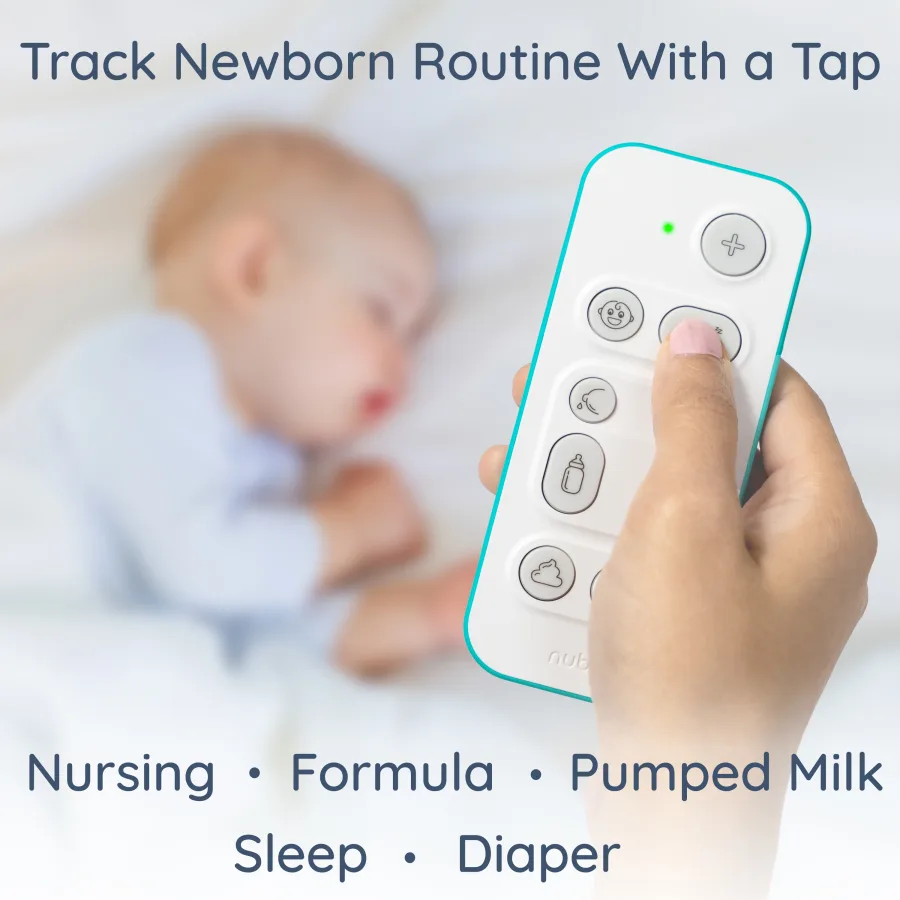
Tap the device
The fastest log when your phone is locked, across the room, or too bright for 3 a.m.
Press once at the moment it happens. The device stores the event and syncs when a paired phone is nearby.
View the device →How the one-tap baby tracker works
Press a button, speak a sentence, tap a card, or ask Alexa. Everything lands in one timeline that caregivers can trust.
Logging methods
Nubo does not ask every caregiver to build the same habit. The fastest method changes by moment, so the timeline accepts them all.
The fastest log when your phone is locked, across the room, or too bright for 3 a.m.
Press once at the moment it happens. The device stores the event and syncs when a paired phone is nearby.
View the device →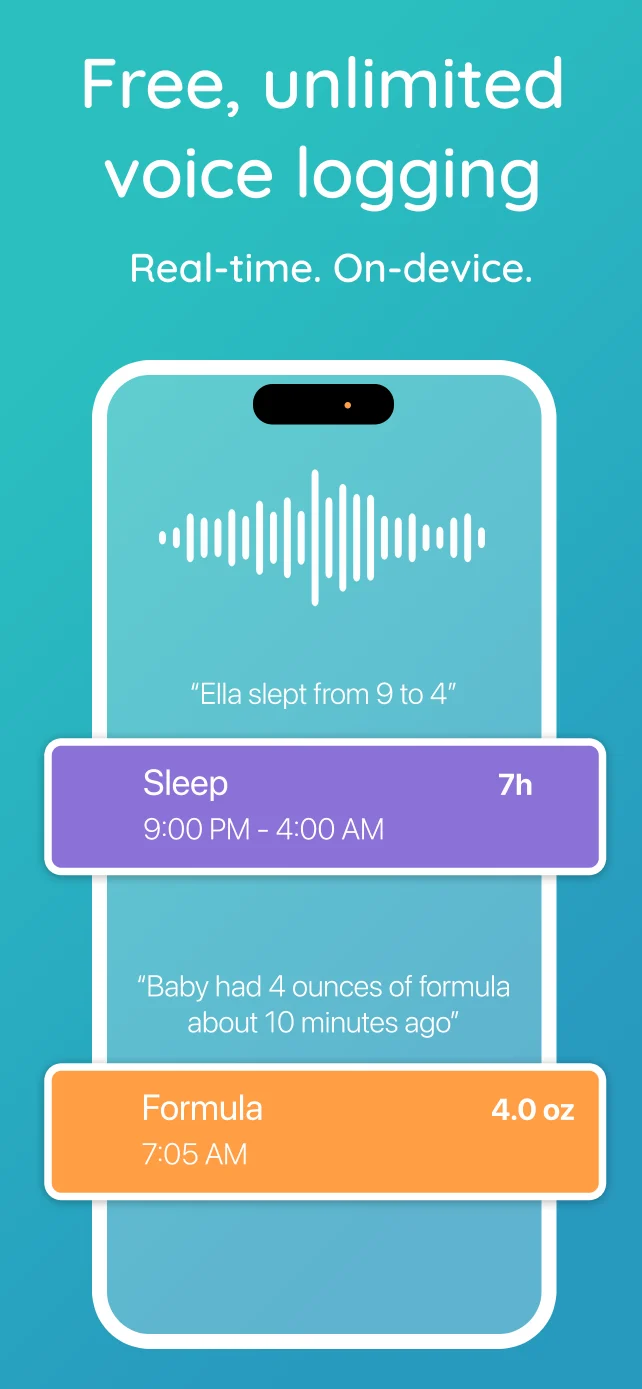
Catch up later with natural language and the right historical timestamp.
Say a sentence like “she napped from 1 to 2:30” and Nubo turns it into a structured log.
Explore voice catch-up →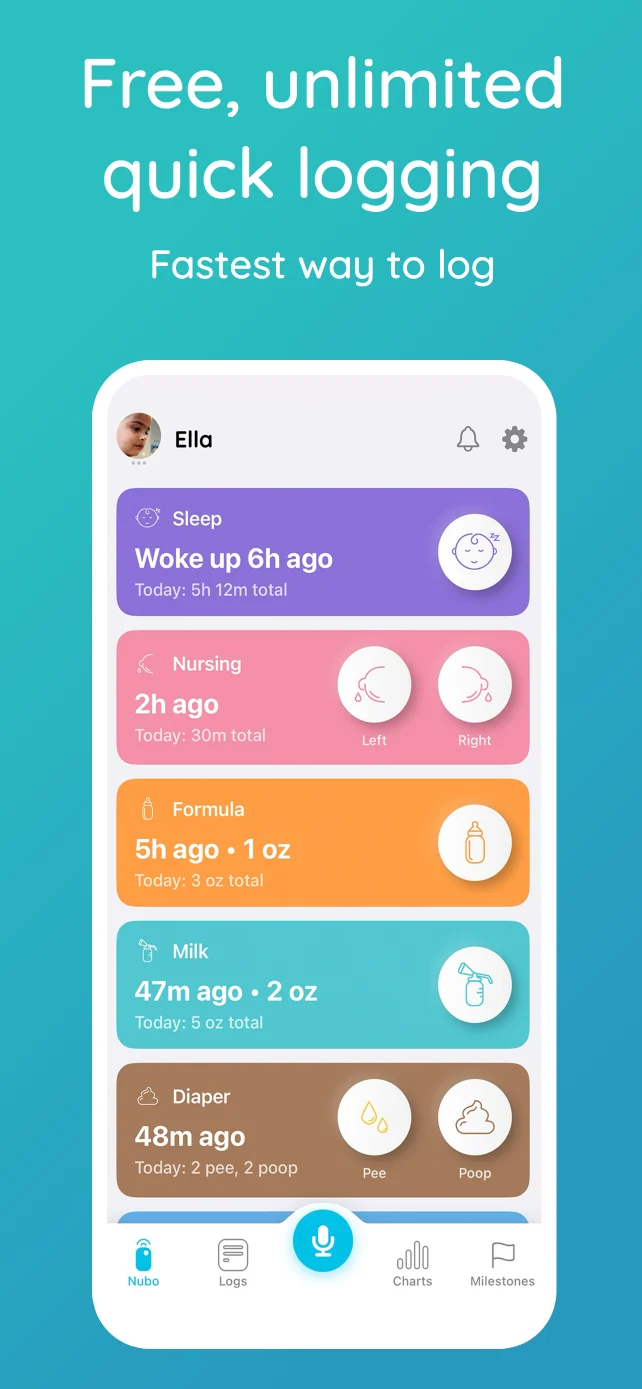
When the phone is open, quick cards make common logs fast and structured.
Quick Log is for the moments when you are already in the app and want one clean tap instead of a form.
See the free app →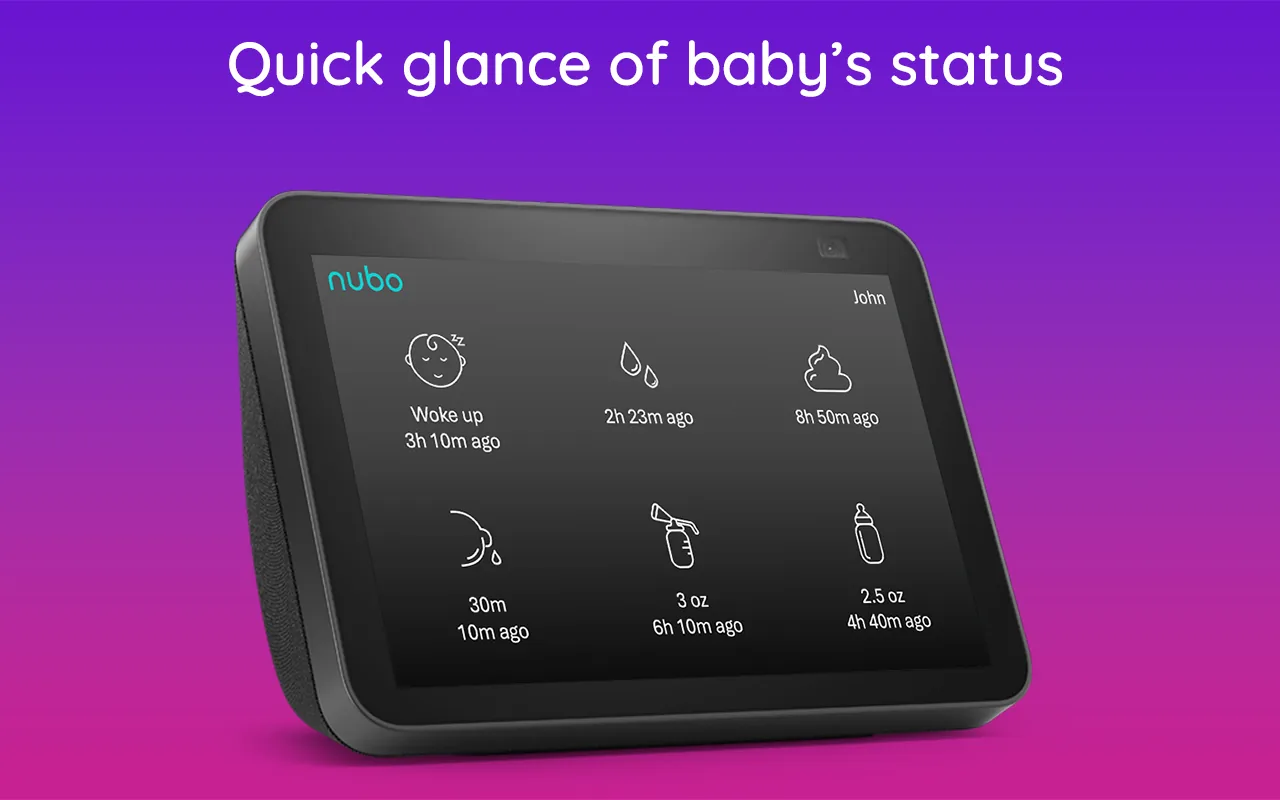
Log from across the room when your hands are busy with bottles, laundry, or baby.
Supported voice-assistant logging is useful in kitchens, nurseries, and shared rooms where a screen is not the easiest option.
See Alexa logging →A day in the life
The point is not to force one habit. The point is to make the next log easy enough that it actually happens.
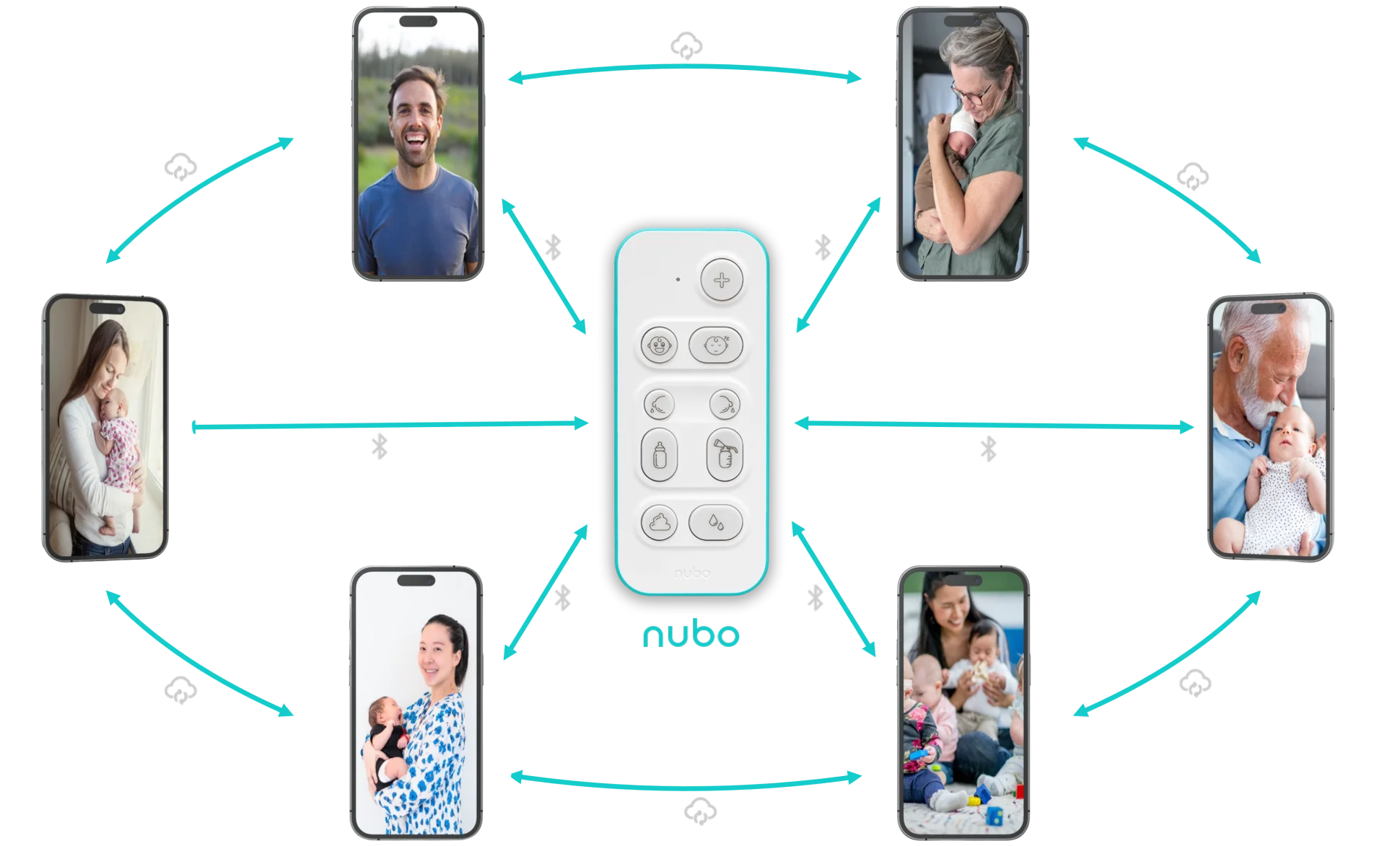
Premium follows the device
Any caregiver phone that connects to your Nubo gets 30 days of Premium, even when that caregiver uses a separate App Store or Google Play account. Active caregivers stay on Premium continuously. Occasional caregivers reactivate the moment they sync again.
Every sync extends Premium 30 days. Premium follows the use, not the store-account boundary.
Setup flow
A working multi-caregiver tracker should take minutes, not a weekend of account setup. Start with the free app, add the device when it helps, and invite caregivers only when you need them.
Decision guide
Nubo works as a free app first. The upgrades are for specific pressure points: advanced tools, nighttime speed, and multi-caregiver care.
Best when your phone is already nearby and you mainly need shared tracking, voice catch-up, and a private baby timeline.
Explore the app →Best when nighttime feeds, hands-full moments, nannies, grandparents on separate plans, or daycare handoffs start to dominate.
View the device →Best for reminders, Alexa, exports, Live Activities, and advanced insights when one primary app account needs more tools.
Compare setups →